Hands-on tutorials, online collaborative Office all in one click, UnRiad+NextCloud-AIO
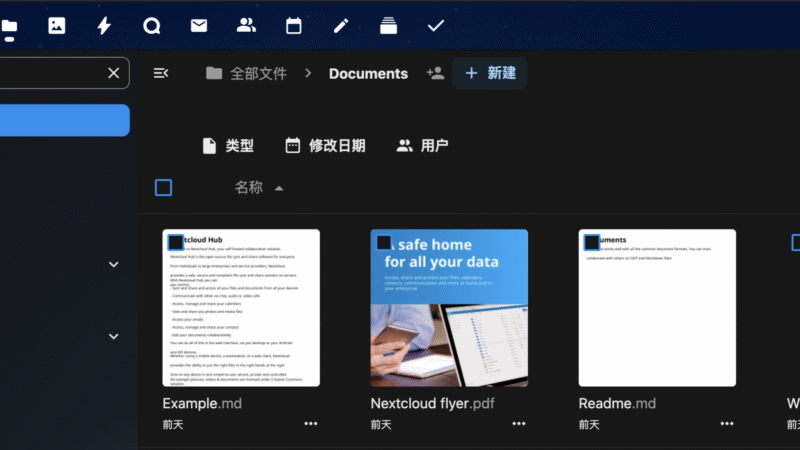
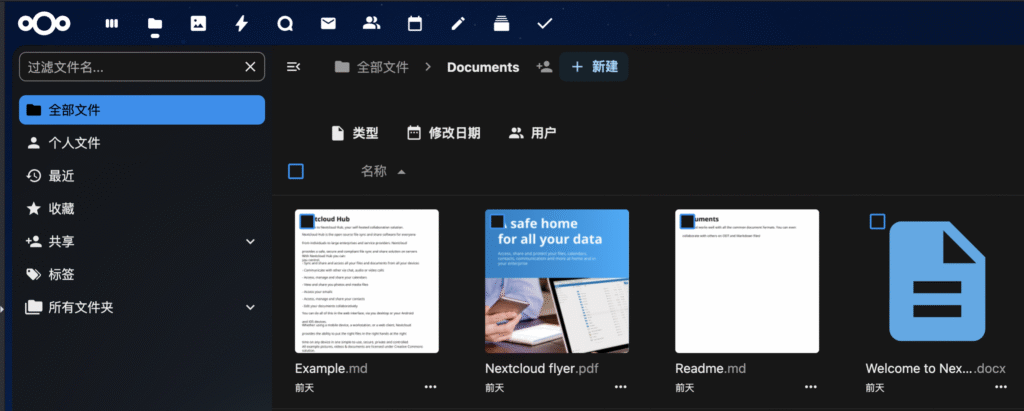
Recently, I’ve been working on a project with a friend, so I’m planning to build a powerful self-hosted collaboration platform. We chose NextCloud for two reasons: firstly, it has a wide range of features, including task boards, Office suite, and ToDoList management; and secondly, each of the features is equipped with corresponding mobile apps, which allows us to advance the project process anytime, anywhere.
Previously also installed Docker’s NextCloud in UnRaid, but it is not a good realization of the Office function, there are always a variety of problems. Recently found NextCloud official launched All In One solution, claiming to solve the office problem, but also comes with antivirus bottom and other more enhanced features, just this time to try.
mountings
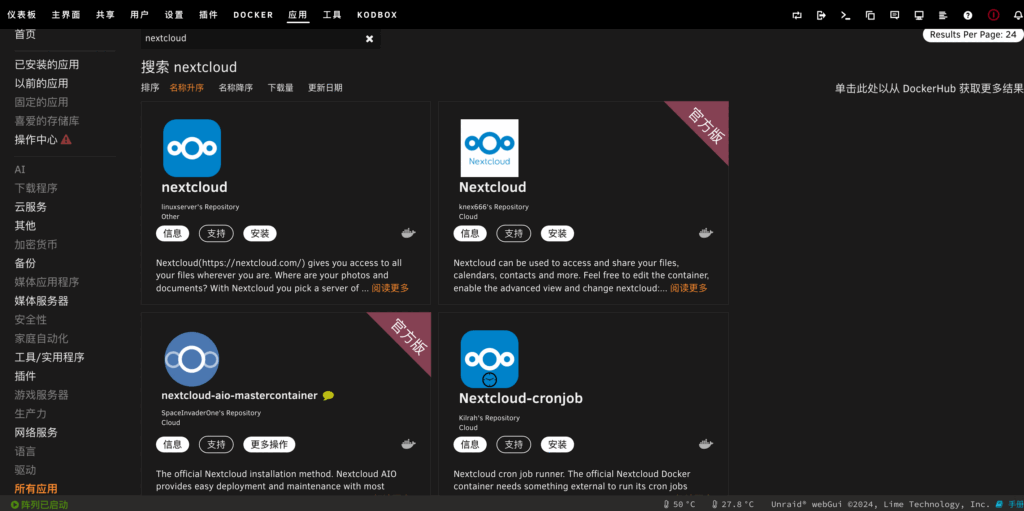
Search for NextCloud in the UnRaid app market and you will find “nextcloud-aio-mastercontainer”, which is not NextCloud itself, but the installer of NextCloud-AIO, which is specially labeled as the official version. This is not the NextCloud itself, but the NextCloud-AIO installer, which is specially labeled as the official version.
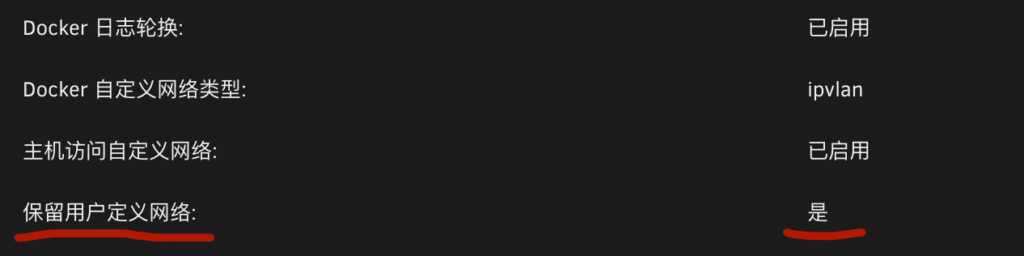
Before installing, you will be prompted to enable “Keep user-defined network” in UnRaid’s Docker settings.
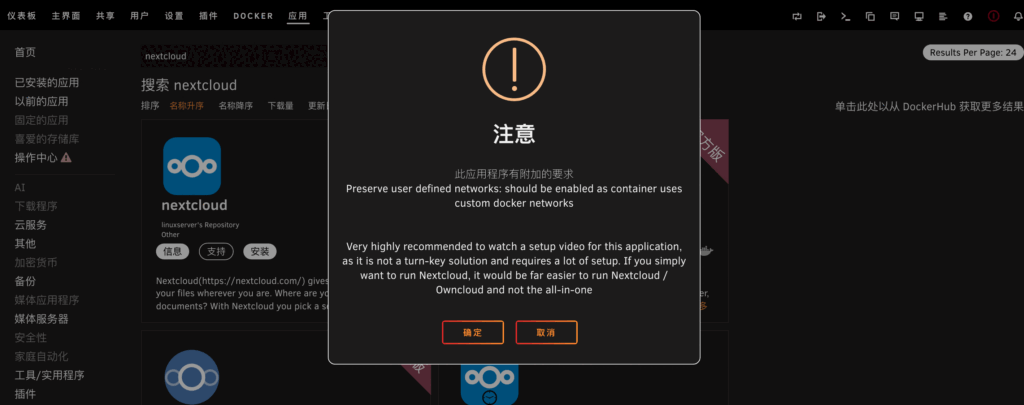
Clicking OK takes you to the configuration page for the installer container, where many of the less commonly used options are hidden. Click More Settings below to see more.
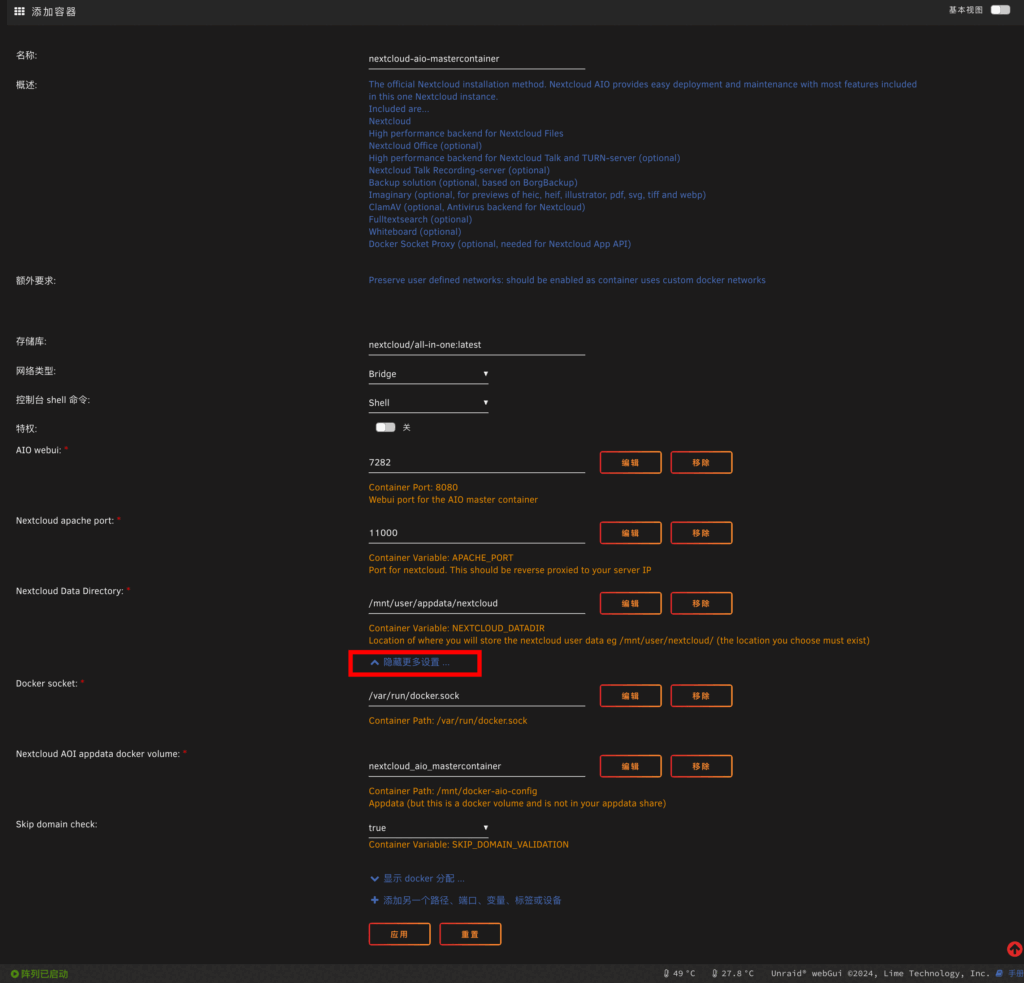
AIO webui” is the intranet access port of the installer, and “Nextcloud apache port” is the actual access port of NextCloud, which requires domain name resolution and reverse proxy in advance. This port is required for domain name resolution and reverse proxy, the default is 11000, these two ports can be modified according to your network environment. These two ports can be modified according to your own network environment:
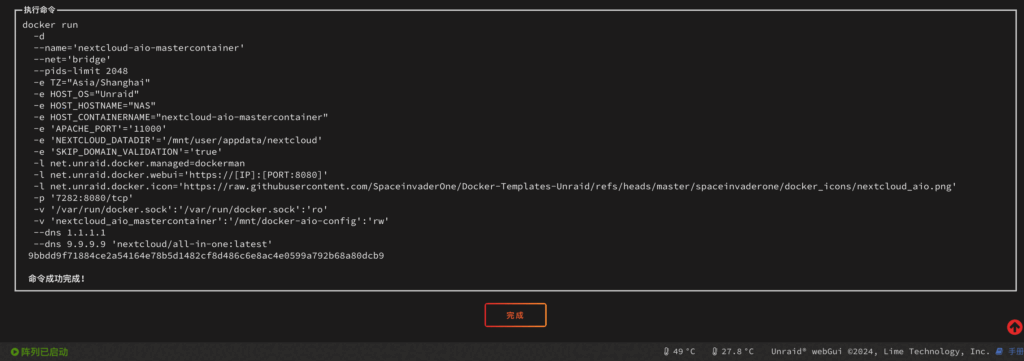
“NextCloud Data Directory” is the path where NextCloud’s files are stored in the host, for UnRaid, except for the location here, you don’t need to change anything else. The bottom “Skip domain check” is to skip the domain check, if you are sure that the domain pointing to the reverse generation has been bound, this item can be selected ture. click on the application to start pulling the image, and then you can see the installer in the Docker page of UnRaid.
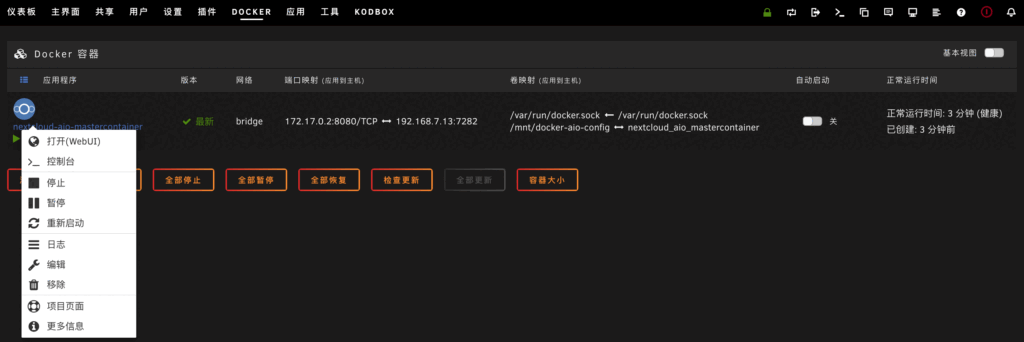
Installation Options
When you open the installer, the system automatically generates a phrase which is the password for the first login.
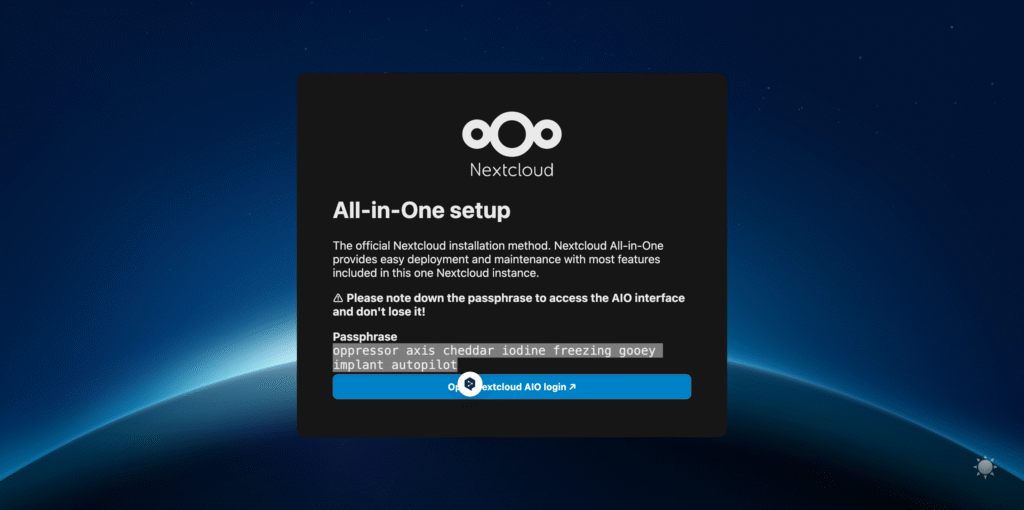
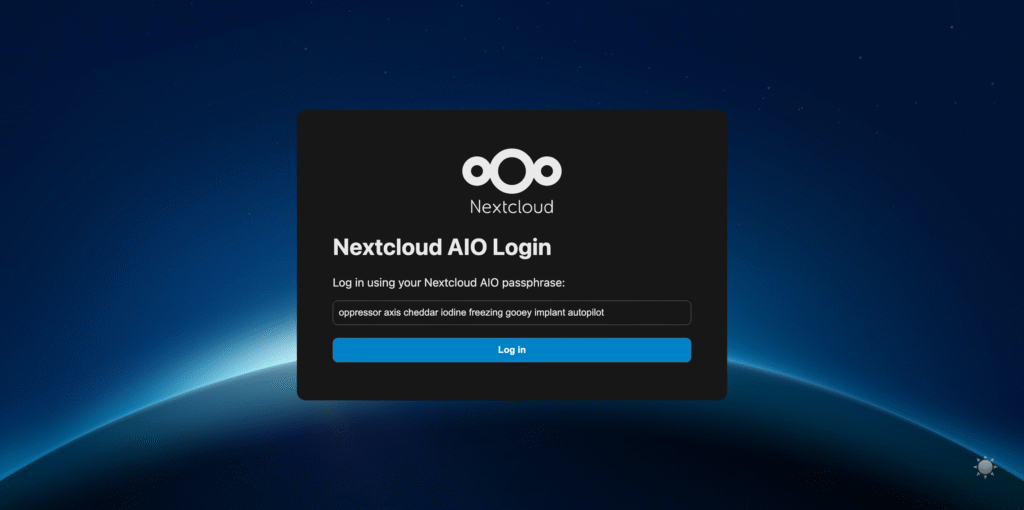
After logging into the NextCloud-AIO installer, the first thing you need is to verify the domain name, which is the reverse proxy domain name that was previously pointing to 11000.
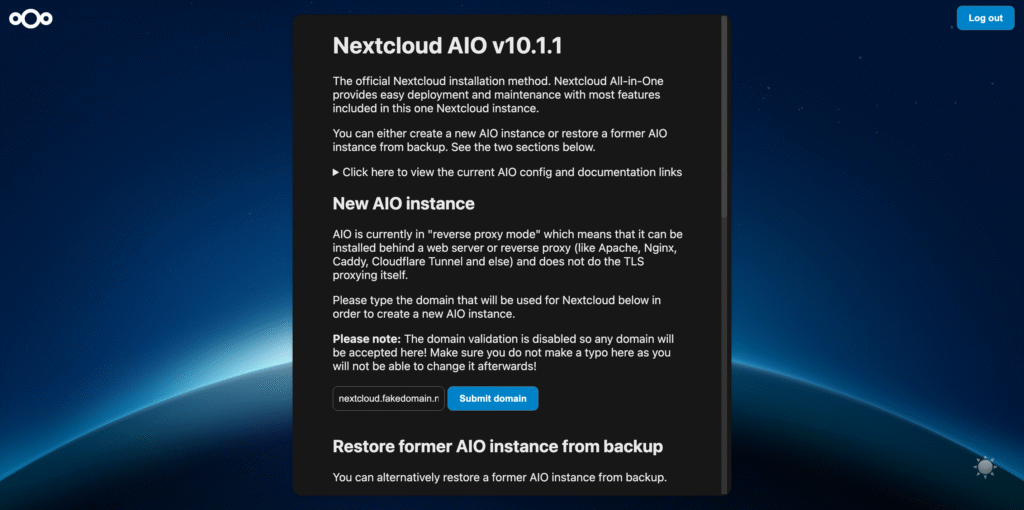
After that comes the installation options, from top to bottom:
antivirus engine
Office Components
Full-text search component
Image Viewer
chat tool
Provision of recording services for chat tools
Docker Agent Manager
tabula rasa
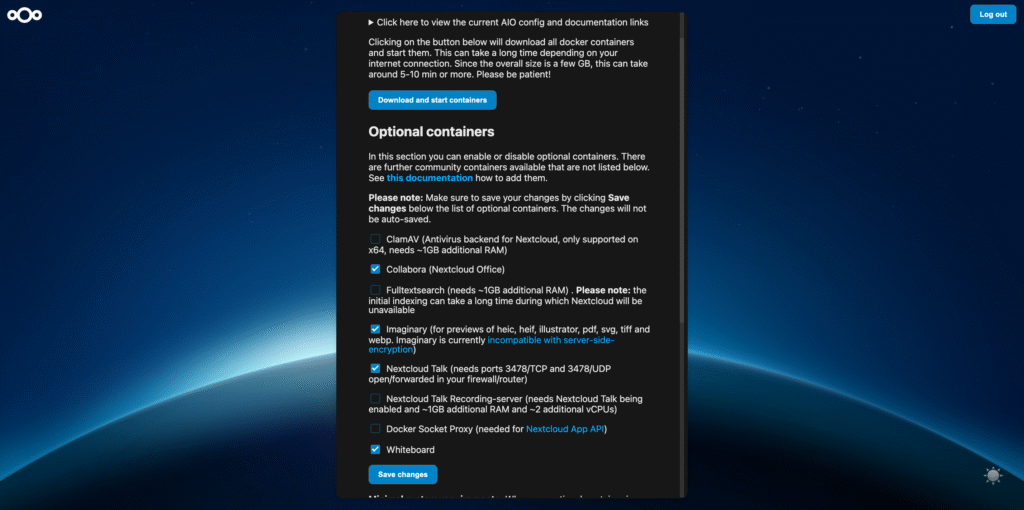
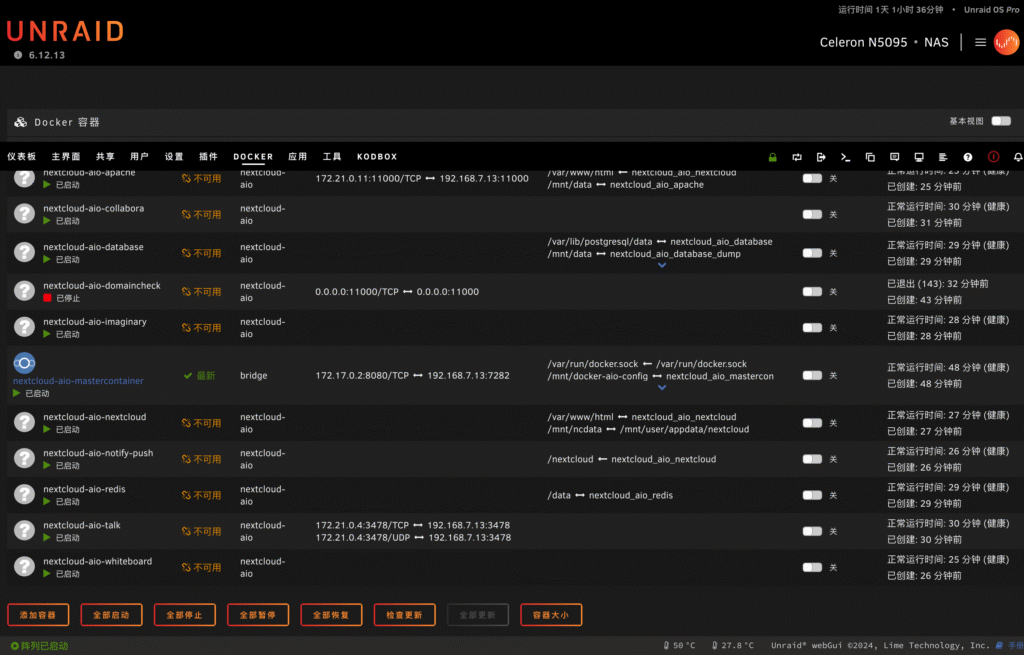
Here according to their own needs to choose to install the components, of which “Docker Agent Manager” NextCloud official Git specifically stated that ” not recommended for use in the AIO “. After selecting the components, you need to save them. Click “Download and start containers” to start the download and installation. This is a long process, go back to UnRaid’s Docker page and refresh the page, you can see a few new containers appear.
Completion of the installation
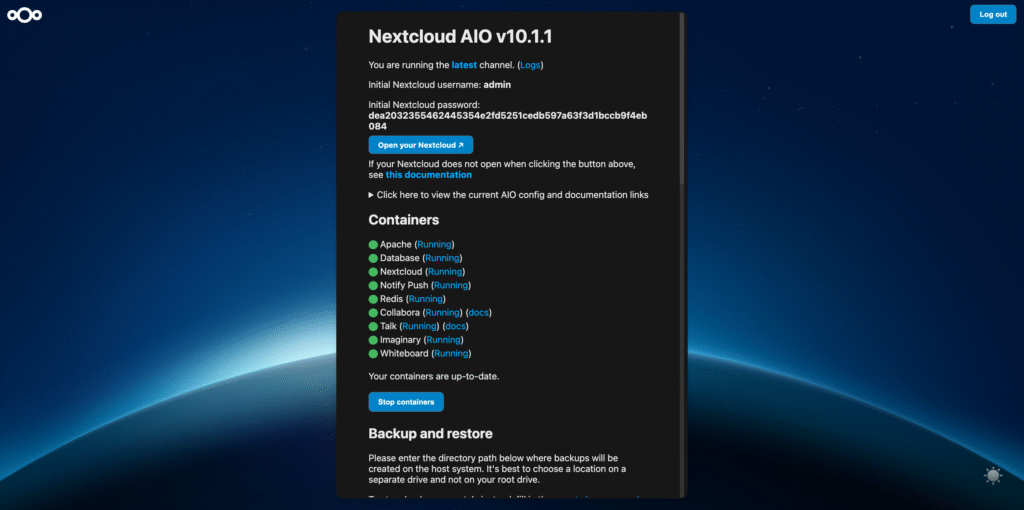
At this point the NextCloud-AIO installation is complete, all containers will be randomly generated after the completion of the startup of the initial password for the admin account, through this password you can happily log in to use.