NextCloud-AIO Use and Optimization, Online Collaboration Office All in One Click

I installed NextCloud-AIO some time ago, and some of you said that when you use it outside the network, sometimes Office still gives errors. There are also friends who ask how to migrate data. So put together a variety of situations to say.
Installer Password
Friends who often toss may delete containers, or even delete mirrors, etc., and when reinstalling, they find that they don’t remember the installer’s password, which is embarrassing. If you forget the installer password, it doesn’t matter, you can retrieve the password through the following command.
docker exec nextcloud-aio-mastercontainer cat /mnt/docker-aio-config/data/configuration.json | grep password
Accordingly, if the Docker is under Win, you need to manually complete the absolute path yourself.
Missing containers
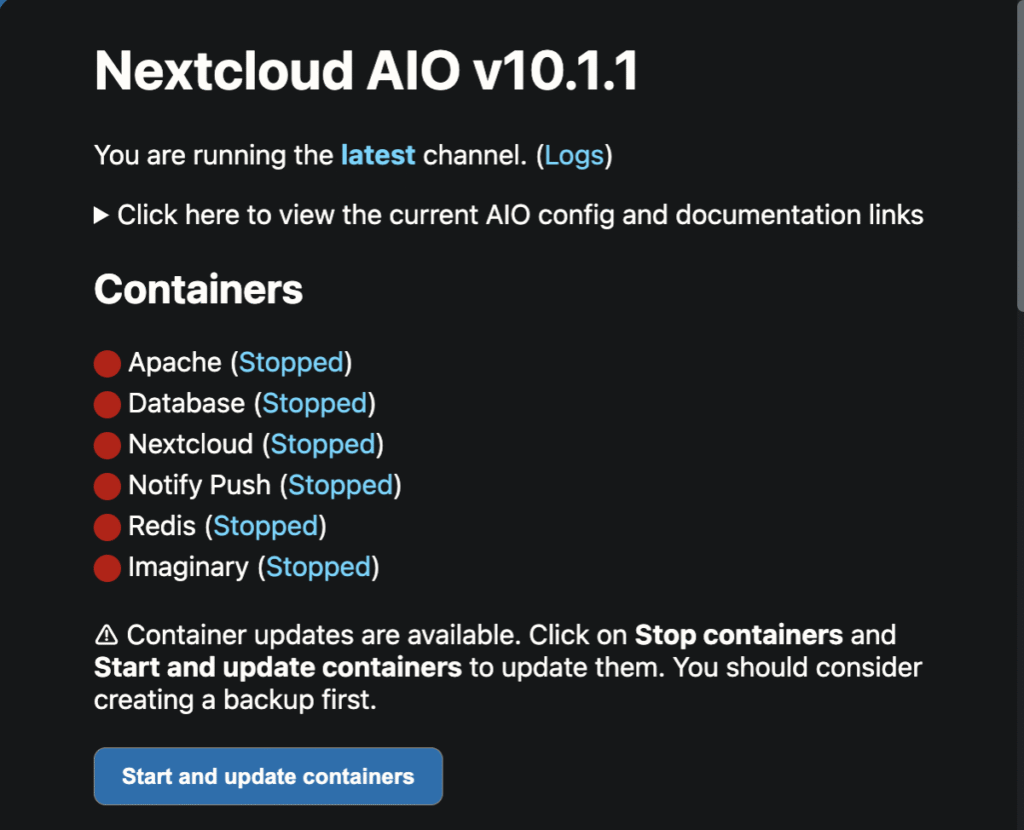
Because of network reasons, it may fail when pulling images, some items are red when you start NextCloud on the installer page, and if you find multiple containers missing in UnRaid’s Docker list, you can choose to stop the service first, and then select Start or and Update afterwards, and the installer will automatically fill in the missing containers.
modify a password
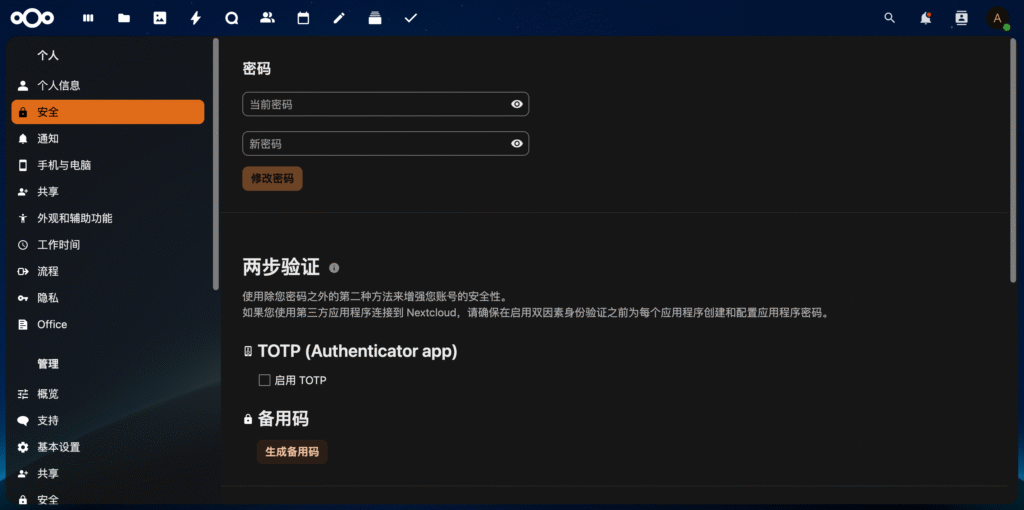
After logging in with the random password generated by the installer, you can change the Admin password in the “Personal Settings-Security” menu in the upper right corner of the avatar. Here you need to verify the original password, and the new password is only entered once, there is no secondary verification, so be sure to point to the back of the small eyes to close the mask to confirm, so as not to enter the wrong, do not ask me how to know.
Office
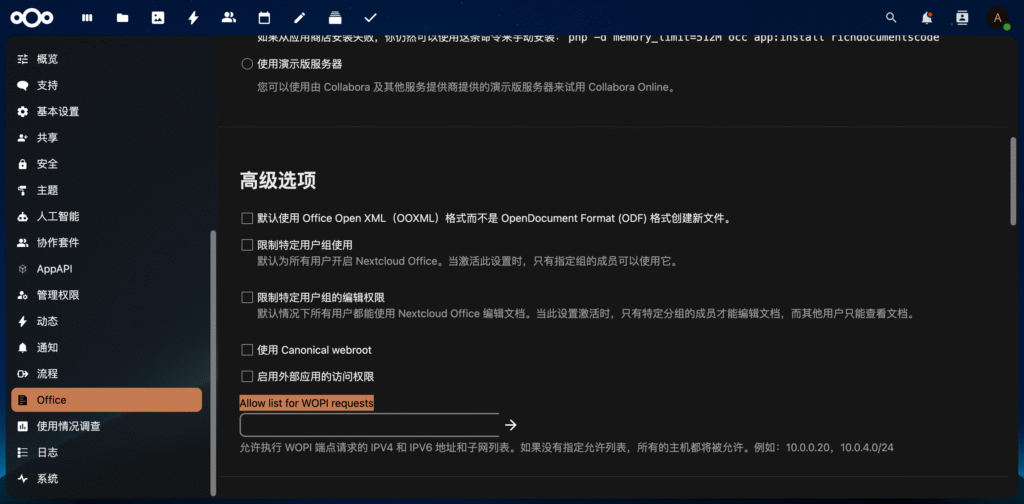
NextCloud has enabled WOPI whitelist verification by default, but NextCloud also explains that Office components may not be able to connect when used on the public network, so it is recommended to disable the WOPI whitelist verification in the case of installing via AIO. In the “Management Settings – Office” option, clear the input box under “Allow list for WOPI requests” and click the right arrow.
backing up
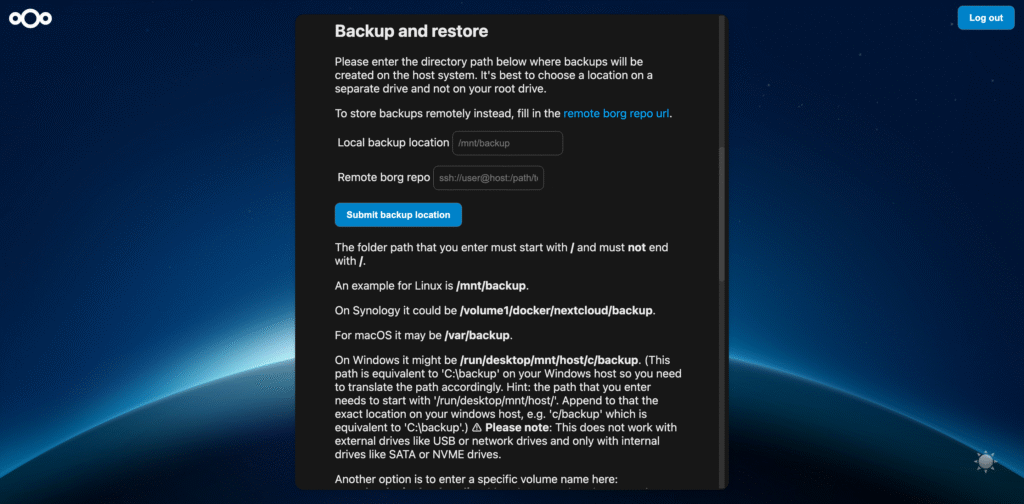
NextCloud-AIO uses PostgreSQL database, and the data files are not placed in “/appdata/nextcloud/”, so it is not safe to backup the “appdata” data just by UnRaid regularly, but NextCloud-AIO installer provides backup function, which can support local and remote backup, and also supports regular backup. It is not safe to backup “appdata” data regularly by UnRaid, but NextCloud-AIO installer provides backup function, which can support local backup and remote backup, and also support timed backup, the NextCloud service will be stopped when backup is performed, so remember to choose the time when there is no synchronization plan.
synchronization
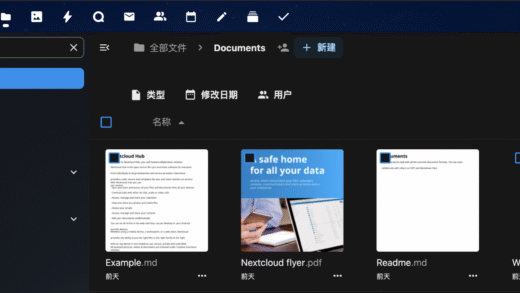
NextCloud itself is integrated into the network disk, notes, photo albums, contacts, mail, calendar, TodoList and other functions, in the mobile terminal also has a wealth of APP support, can completely replace iCloud, millet cloud and other manufacturers of cloud services, after all, their digital assets or in their own hands the most peace of mind.
Common files, pictures, notes, etc. can be synchronized directly to your own NAS at home through NextCloud’s series of apps, safely and securely.
iOS
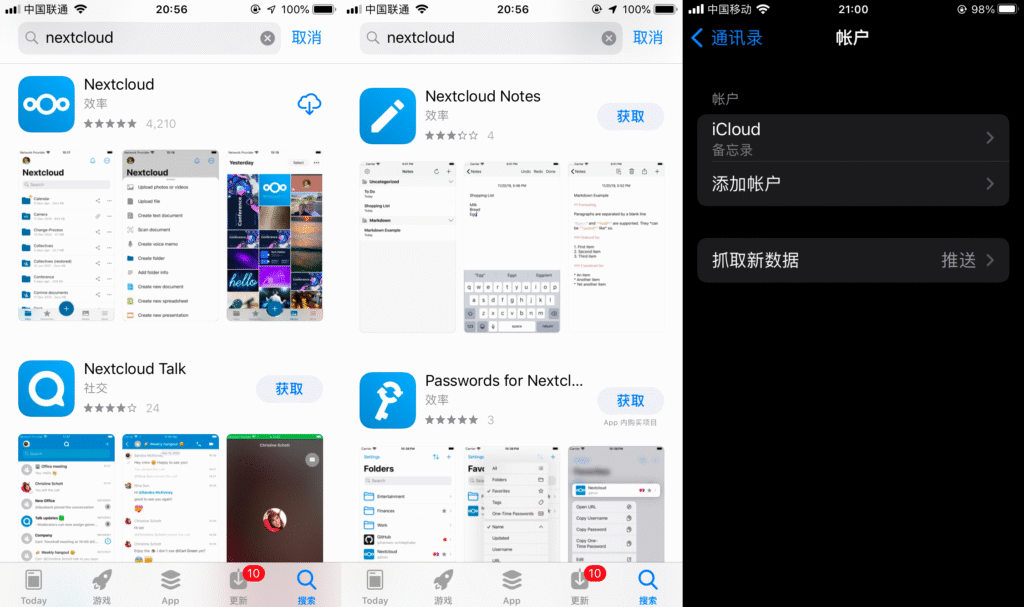
Contacts and calendar synchronization for iPhone and iPad is still relatively simple and convenient as you can add addresses and accounts directly in Contacts and Calendar in the system settings.
android
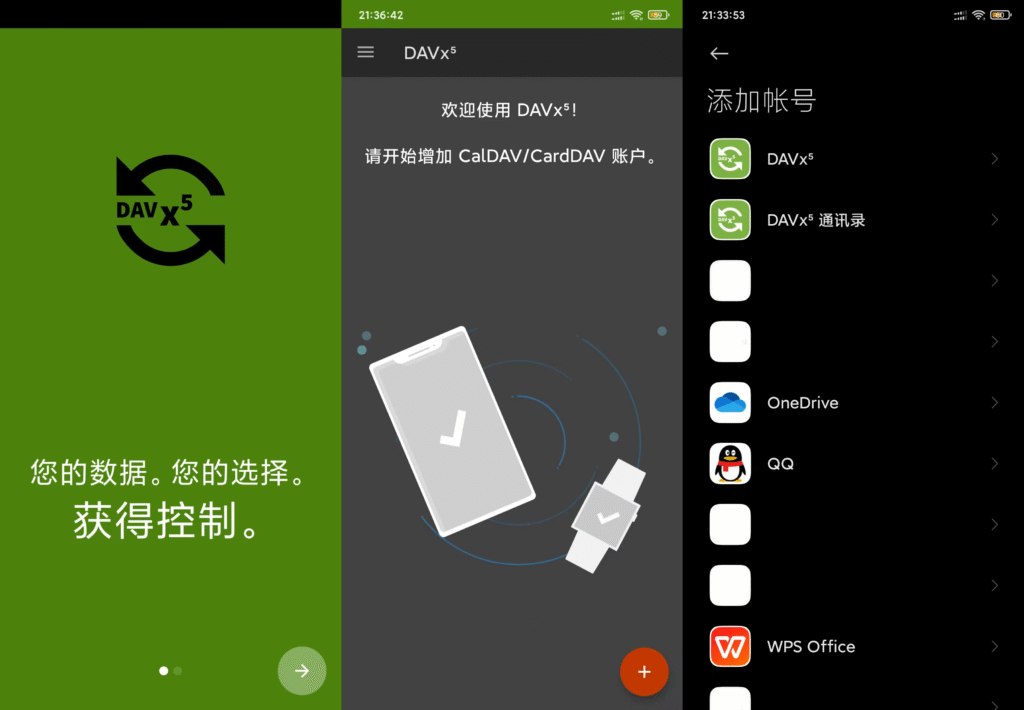
Android phones need to install DAVx⁵ this APP to synchronize, but compared to the iPhone, through the DAVx⁵ in addition to synchronization of contacts and calendars, but also can synchronize Tasks (ToDoList), it is an unexpected pleasure. DAVx⁵ is just a synchronization DAVx⁵ is just a synchronization tool, Tasks can be used on Android phones through jtxBoard, OpenTasks or Tasks in any of them, more recommended jtxBoard, including diary, notes and Tasks, can be synchronized to NextCloud.
Digital Life
In “Three Bodies”, it is written that higher dimensional beings look at us as a painting left behind by the points formed by our life trajectories, which is indeed the case, in this digital age, we will leave countless data and countless points in our life, instead of worrying about the data in the cloud that this project is offline and that company is running away, it is better to hold these important life trajectories in our own hands. The NAS contains my preferences, my interests, and my life data.